Home / Products / IBM/TOSHIBA POS Terminal Parts
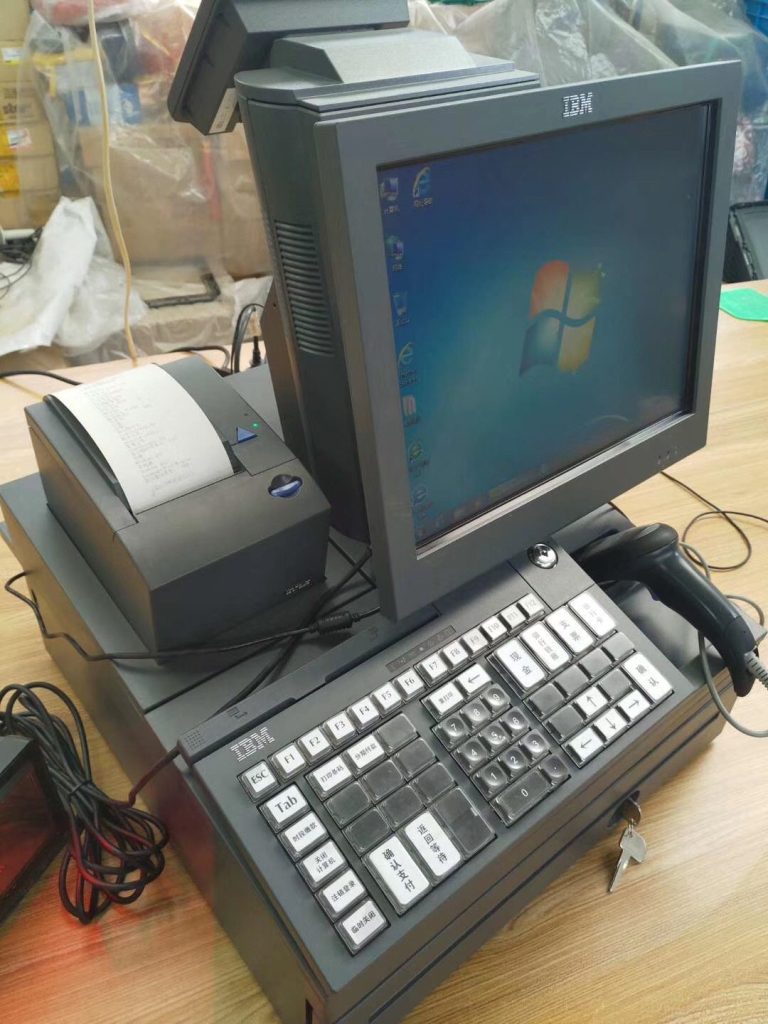
IBM SurePOS 300 4810-32H POS Ternimal And Repair Parts
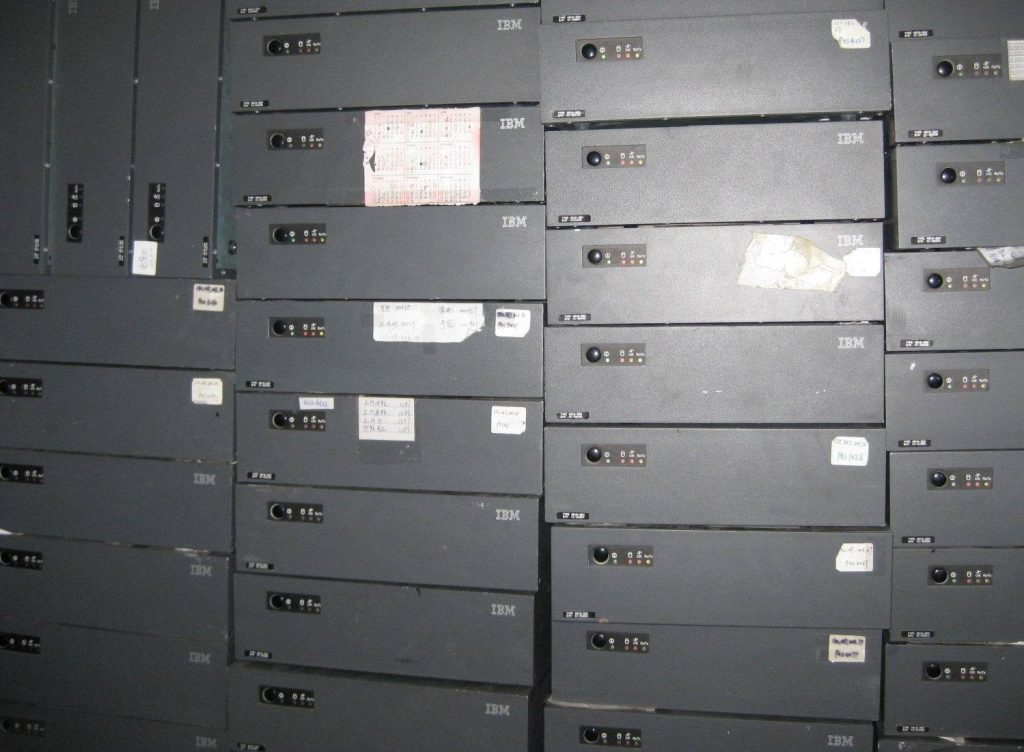
ORIGINAL NEW PART
Product Inquiry
Category: IBM/TOSHIBA POS Terminal Parts
All parts are original new, tested before shipping. We can give you a good price, especially for big orders.
Price on inquiry — fastest delivery in 3 Days worldwide.
Email: leoli020@163.com
Tel: +86-15914391946 · WhatsApp: +8615914391946
Description
IBM POS Repair: Start With the Right Model
IBM POS terminals such as the SurePOS 300 4810-32H are built for long service in supermarkets, banks, and retail counters. When one fails, the fastest path to recovery is to identify the exact model, confirm the symptom, and decide whether the fix is a part swap or a deeper repair. This guide covers the common failure points on IBM POS hardware and how to approach repair and replacement parts.
Common IBM POS Terminal Problems
Most IBM POS repair cases fall into a few predictable categories. Checking these first saves time before you order anything.
- No power or intermittent power: Inspect the power supply, power cable, and internal power board. A terminal that reboots on its own often points to a failing power component.
- Blank or flickering display: Check the screen cable and connector first, then the display assembly. Loose or worn cables are a frequent cause.
- Printer feed or print quality issues: On integrated receipt printers, paper jams, faded print, and streaking usually trace back to the print head, platen, or paper path.
- Interface and communication faults: Serial, USB, and cash drawer connections can fail at the cable or the interface card. Test with a known-good cable before replacing the card.
- Startup and boot errors: Motherboard, memory, or storage faults can stop the terminal from booting. Note any error messages before opening the unit.
A Practical IBM POS Repair Workflow
- Record the model and symptom. Write down the full model number, such as 4810-32H, and exactly what happens and when.
- Isolate the fault. Swap cables, test the power outlet, and try a known-good peripheral to narrow the problem to one component.
- Inspect connectors and the paper path. Reseat cables and clear debris before assuming a board has failed.
- Confirm the replacement part number. Match the part to your exact terminal model before ordering.
- Replace and retest. After fitting the part, run a full power-on and transaction test.
IBM SurePOS 300 4810-32H Repair Parts
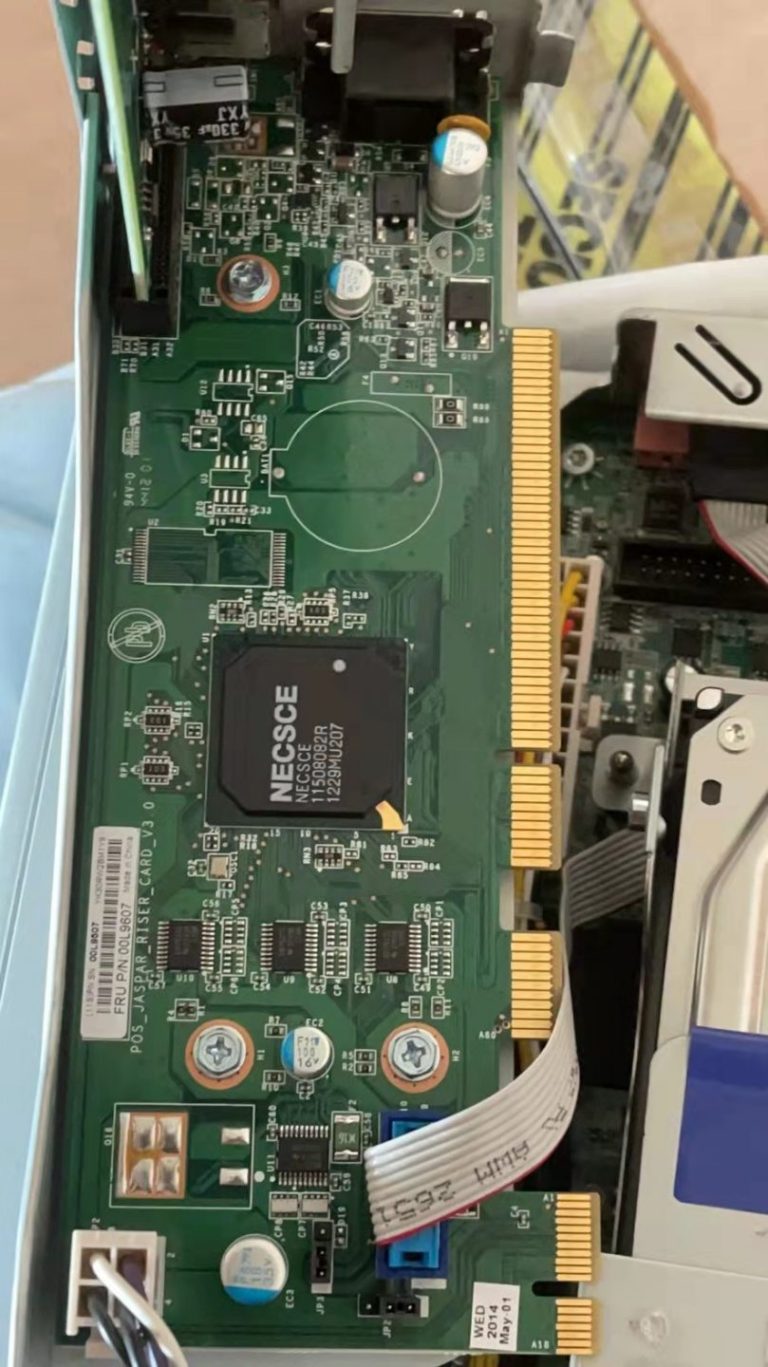
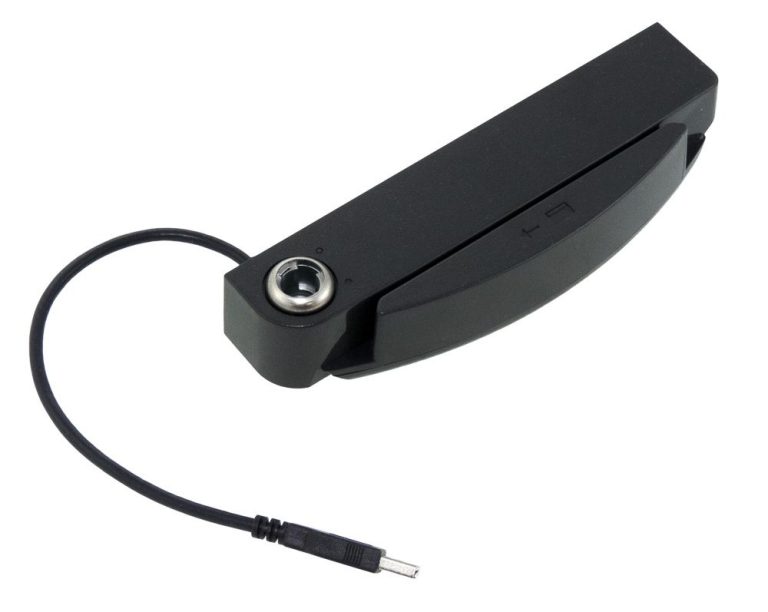
The IBM SurePOS 300 4810-32H is a compact terminal used in counter and checkout environments. Repair parts for this model and related IBM POS terminals typically include power supplies, motherboards, screens, interface cards, and mounting holders. Because these terminals share components across the SurePOS family, always confirm compatibility by model number rather than assuming a part fits.
When sourcing parts, look for original new components that have been tested before shipping. That reduces the risk of a second failure shortly after repair.
When to Repair and When to Replace
Repair is usually the better choice when the fault is isolated to one component, such as a power supply, cable, or print head, and the rest of the terminal is healthy. Replacement makes more sense when multiple systems fail at once, the motherboard is damaged, or the model is no longer supported. For high-volume checkout lanes, keeping a small stock of common spares shortens downtime.
Sourcing IBM POS Repair Parts
For IBM and Toshiba POS terminals, buyers typically need original new parts with fast delivery. When you send an inquiry, include the model number, the part you need, and the symptom you observed. That helps confirm the correct part and avoid return shipping on the wrong component. Large orders can often be quoted at better pricing, so state your quantity up front.
FAQ
How do I identify my IBM POS terminal model?
Check the label on the terminal housing. IBM SurePOS models use a number such as 4810-32H, and the full number is what you need when ordering parts.
Why does my IBM POS terminal keep rebooting?
Repeated reboots often point to a failing power supply or a loose internal connection. Test the power cable and outlet first, then inspect the power board.
Can I replace just the print head on an IBM POS printer?
Yes, print heads are commonly replaced as a single part. Confirm the part number against your printer model before ordering.
What information should I include in a parts inquiry?
Include the terminal model, the part name or number, the quantity, and a short description of the fault.
Related Products